Published: December 4, 2025
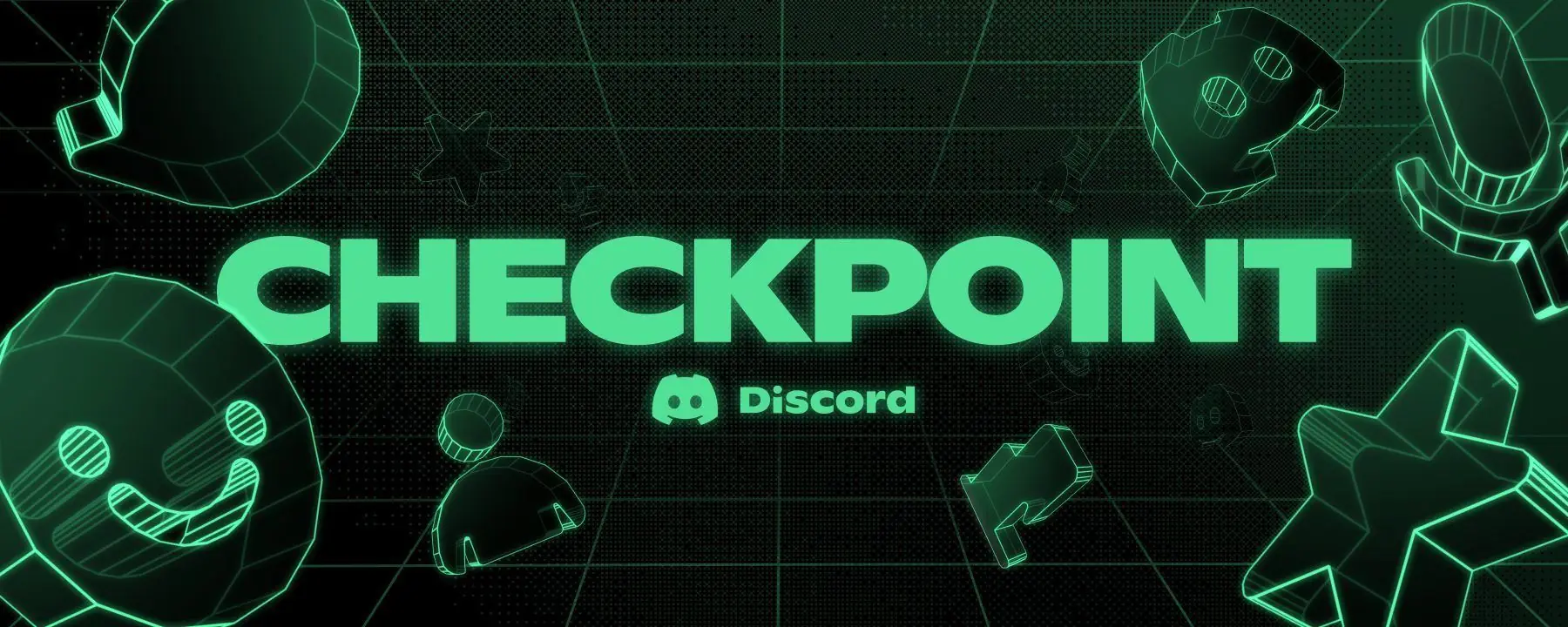
Discord has officially joined the “Wrapped” craze. On December 4, 2025, the chat platform rolled out Discord Checkpoint, its first-ever year‑in‑review recap that turns your entire year of messages, voice chats, and gaming sessions into a personalized highlight reel. Discord+1
If you’ve seen people posting stylish green cards with “Checkpoint 2025” and wild stats in your servers, here’s what’s going on, how to get your own recap, and what early data and user reactions tell us so far.
What Is Discord Checkpoint (a.k.a. “Discord Wrapped 2025”)?
Discord Checkpoint is a personalized year‑in‑review experience, similar to Spotify Wrapped or YouTube’s annual recaps. It’s designed to celebrate the friends, games, and communities that defined your 2025 on Discord. Discord Support+1
According to Discord’s official blog and support documentation, Checkpoint is: Discord+1
- Discord’s first-ever year‑in‑review feature, launched for 2025
- A recap that uses your activity data (not message content) to generate stats
- A way to highlight “the friendships, favorite games, and communities that made 2025 special for you”
What Your Discord Checkpoint Shows
Different guides and Discord’s own announcement confirm that Checkpoint can include: Destructoid+4Discord+4SSBCrack News+4
- Total messages sent
- Hours spent in voice channels
- Your most‑used emojis
- The servers where you spent the most time
- Your top games, based on rich presence and activity
- The friends/DM partners you interacted with most
- A shareable summary card showcasing headline stats
Checkpoint wraps all of this in a swipeable, animated experience, ending with a collectible card and matching avatar decoration.
Launch Timeline: December 4, 2025 Rollout
Discord Checkpoint went live on December 4, 2025, with a global rollout across desktop and browser, and a staggered experience on mobile. Discord+2SSBCrack News+2
Key timing details from today’s coverage and official posts:
- Launch date: December 4, 2025
- Rollout: “Over the next few days,” meaning some users see it immediately, while others get it later as the feature propagates. Red94+1
- Availability window: You can view your 2025 Checkpoint until January 15, 2026. Discord+1
Discord notes that this feature also marks its 10th anniversary, underscoring Checkpoint as a celebratory milestone for the platform and its community. Discord Support
Global Stats: 744 Billion Messages and the Reign of the Red Heart
Beyond individual recaps, Discord shared platform‑wide stats for 2025 that give Checkpoint a big-picture backdrop.
From Discord’s own blog: Discord+1
- Users collectively sent around 744 billion messages and reactions in 2025.
- The most‑used emoji on Discord this year is the ❤️ red heart, followed by heavy hitters like the “loud sobbing,” “tears of joy,” “fire,” and “green check” emojis.
Entertainment and tech outlets highlighting Checkpoint have echoed these numbers, framing Checkpoint as a way to locate your personal footprint within those huge global totals. SSBCrack News+1
How to See Your Discord Checkpoint on Desktop and Browser
The fastest and most reliable way to access Checkpoint right now is on desktop or the web app. Multiple guides and Discord’s own help article outline almost identical steps. SSBCrack News+4Discord+4Discord Support+4
Step‑by‑step (Desktop/Web)
- Update Discord
Make sure you’re on the latest version of the Discord desktop app or refresh the web client. - Look for the flag icon
In the top‑right corner of the app window (near your Inbox icon), you should see a small flag icon. Clicking it opens your Checkpoint recap. - Or use the pop‑up
Eligible users may get a one‑time pop‑up modal when they open Discord, inviting them straight into their Checkpoint. If you see it, click through to start the recap. Discord Support - Swipe through your story
Once inside, you’ll move through several pages of stats—messages, voice time, top servers, top games, and more—before being assigned a Checkpoint card. - Share or skip
At the end, Discord offers a Share button to post a summary card into a text channel. If you don’t share, your full Checkpoint stays private. Discord+1
Mobile Access: Temporarily Limited
Several outlets and Discord’s own support page point out a critical caveat for mobile users:
- Checkpoint has been temporarily disabled on mobile, though it continues to work on desktop and browser. Discord Support+1
Discord’s documentation still lists the intended flow:
- Update the app to the latest version.
- Tap the “You” tab at the bottom‑right.
- Tap the Checkpoint banner to open your recap. Discord Support+2Hindustan Times+2
However, Destructoid and Discord Support both note that Checkpoint’s mobile implementation has been temporarily disabled at launch, leading to confusion as users see references to the feature but no banner inside the app. Destructoid+1
For now, if you want to guarantee access to your recap, use Discord on desktop or in a browser.
Why You Might Not Have a Discord Checkpoint (Yet)
A striking theme across today’s coverage and community discussion is that not everyone gets a Checkpoint. There are three main reasons: Reddit+3Discord Support+3Destructoid+3
1. Data Personalization Is Turned Off
Checkpoint depends on Discord’s ability to log certain activity metrics throughout the year. If you disabled “Use data to personalize my Discord experience” in your Data & Privacy settings, Discord does not generate a recap for you.
- Discord’s support article explicitly says Checkpoint is available only to users who had this setting enabled during 2025. Turning it on now will not retroactively create a 2025 Checkpoint. Discord Support+1
- Destructoid shows an example where the author, with personalization off, simply sees “Checkpoint unavailable.” Destructoid
This has led to frustration on Reddit, where users note they appear in friends’ Checkpoints (for shared voice time or messages) but can’t view their own recap due to their privacy settings. Reddit
2. Not Enough Activity in 2025
Even with personalization enabled, low‑activity accounts may not receive a Checkpoint. Discord’s docs say users who are new or not active enough this year might not generate meaningful stats, so the feature doesn’t appear. Discord Support+1
3. The Rollout Isn’t Finished
Discord has framed Checkpoint as rolling out over several days, which means: Discord+1
- Some users see the flag icon immediately.
- Others will get it later as the rollout continues.
If you meet the criteria (active in 2025, personalization on) and still don’t see it, the rollout may simply not have reached your account yet.
What’s Inside Your Checkpoint: Stats, Cards, and Rewards
From official sources and today’s tech coverage, here’s what your Checkpoint typically includes. Destructoid+4Discord+4Discord Support+4
Personal Activity Metrics
Expect to see:
- Total messages sent in 2025
- Time spent in voice chat, sometimes broken down by top partners
- Your most active servers and where you “lived” on Discord
- Top games played while connected to Discord (for users with rich presence)
- Your most‑used emojis
- Your top DM friends or “sidekick”
Some outlets also report leaderboard‑style moments, such as where your activity ranks compared to global averages, or how your top emotes compare to the overall top list.
Checkpoint Cards and Avatar Decorations
After you finish scrolling through your recap, Discord assigns you one of ten Checkpoint cards, each representing a different “type” of user—think highly social voice‑chat regulars, server‑hopping explorers, or emoji spammers. Discord+2SSBCrack News+2
You also receive:
- A matching avatar decoration tied to your card
- The ability to display it on your profile until January 15, 2026 Discord+2Discord Support+2
Even users who don’t qualify for a full Checkpoint can still claim the decoration as a thank‑you for being part of the community, according to Discord Support. Discord Support
Sharing Your Recap
Discord provides built‑in sharing options:
- A shareable summary card at the end of the recap
- A Share button that posts an embed into a text channel of your choice Discord+2Bangla news+2
Crucially, Discord emphasizes that sensitive details (like your most DMed friend’s username) are hidden or obscured in the shared versions, while more personal information stays visible only inside your private Checkpoint view. Bangla news+1
Privacy, Data, and the Growing Backlash
Checkpoint sits at the intersection of fun social features and serious privacy questions—and users are already debating where that line should be.
What Data Does Checkpoint Use?
Discord states that Checkpoint is built from activity metadata, not message content: Discord Support+1
- Games you played
- Servers you joined or spent time in
- Time in voice channels
- Message counts and reaction usage
Discord explicitly says it does not use the content of your messages to build Checkpoint. Discord Support
Opt‑In Personalization vs. FOMO
Because Checkpoint is limited to users who opted into data personalization earlier in the year, some in the Discord community are calling the rollout unfair:
- Users on r/discordapp report seeing “Checkpoint unavailable” despite years of heavy use, simply because they left personalization off. Reddit
- Others argue that Discord should have clearly warned people at the start of 2025 that they needed the setting enabled if they wanted a year‑end recap. Reddit
At the same time, Discord Support and some community members point out that a recap feature inherently requires long‑term data, and that respecting the user’s choice not to personalize means not surfacing that data back to them as a curated product. Discord Support+1
Expect this tension—between fun social metrics and privacy‑minded users—to continue as Checkpoint becomes a yearly tradition or evolves in future editions.
How Checkpoint Fits Into the Wider “Wrapped” Trend
Tech sites spotted Checkpoint weeks before launch, when code strings and assets leaked in the Discord app. A November 20 article from TechIssuesToday described an early prototype of the recap, comparing it directly to Spotify Wrapped and noting that it would likely highlight messages, voice time, favorite servers, and top friends. TechIssuesToday.com
Now that Checkpoint is live, it joins a crowded field of end‑of‑year recaps:
- Spotify Wrapped and Apple Music Replay for music
- YouTube Music Recap for videos
- Gaming platforms like Steam and various podcasts and loyalty programs with their own “2025 Wrapped” themes TechIssuesToday.com+1
For Discord, Checkpoint is uniquely powerful because it sits where community, gaming, and chat overlap. It’s not just about what you listened to—it’s about who you spent your time with, which servers felt like home, and how your online social life evolved over the year.
Tips to Make the Most of Discord Checkpoint 2025 (and Prepare for 2026)
If you’re jumping into your Checkpoint today—or already planning ahead for next year—here are practical takeaways based on today’s news, guides, and official docs: Bangla news+4Discord+4Discord Support+4
- Check your Data & Privacy settings now
- If you want a Checkpoint for 2026, make sure “Use data to personalize my Discord experience” is enabled going forward.
- Use desktop for the smoothest experience
- With mobile temporarily disabled, desktop and browser remain the most reliable way to view your recap.
- Claim the avatar decoration even if you don’t get a recap
- You can still grab the Checkpoint decoration and keep it on your profile until January 15, 2026.
- Share wisely
- The shareable card hides the most sensitive bits, but if you screenshot deeper pages, double‑check what’s visible before posting in public servers.
- Treat odd stats with healthy skepticism
- Reddit threads already show users spotting odd voice‑time numbers or mismatched totals. Some of this may come down to how Discord aggregates time across devices or sessions. Reddit
The Bottom Line
On December 4, 2025, Discord flipped the switch on Checkpoint 2025, giving its more than 200 million monthly users a playful yet data‑rich look back at their year on the platform. Discord+1
If you’ve been active all year and have personalization enabled, your Checkpoint recap is likely waiting behind a small flag icon on desktop. For everyone else, this launch is a clear signal: if you want in on next year’s Discord “Wrapped,” you’ll need to decide how much of your activity you’re comfortable letting the app log—and whether that trade‑off is worth a flashy year‑end card.